
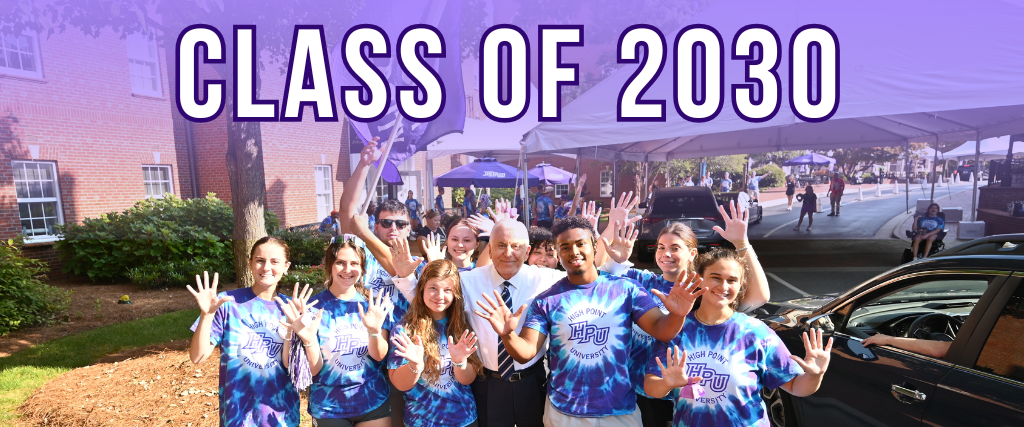
HPU Looks Great on You!
Congratulations on being admitted to High Point University – your dream university!
Your Digital Swag Awaits!
Below you will find digital stickers, HPU animated GIFs, laptop backgrounds and phone backgrounds. Use your Class of 2030 digital stickers and HPU GIFs to share on social media, use in your email signature, send via text messaging to family or friends, or include in your creative Canva designs.
Download Instructions:
Digital Stickers: To download any of the digital stickers below, right-click on the sticker and select “Save Image As…” to save it on your laptop. To save on your phone, hold down the sticker and select “Save to Photos.”
HPU Animated GIFs: To download any of the HPU GIFs below, visit: www.giphy.com/highpointu
Phone and Laptop Backgrounds: To download any of the phone or laptop backgrounds below, click on the button for the orientation of wallpaper you would like to download. On your laptop, right-click on the image and select “Save Image As…” to save it. To save on your phone, hold down the wallpaper and select “Save to Photos.”
DIGITAL STICKERS
















Facebook Profile Pics!
Instructions:
- Choose your preferred Facebook profile pic template below. Click on the “Create Your Own” button to be redirected to a Canva template.
- If you don’t already have a Canva account, you can sign up for FREE either on your desktop or through Canva’s mobile app!
- Upload your image to the Canva software. Drag your uploaded image into the empty photo frame in the template. You can adjust the placement of your photo by double clicking on it to zoom in and configure placement.
- To download your finished product, find the “Share” button in the top right corner. Select .jpeg as the file type from the drop down. Once your graphic has downloaded to your desktop or camera roll on your phone, you can then upload it as a NEW profile pic on Facebook.
Option 1- HPU Fam (Dots)

Option 2- HPU Fam (Paint)

Option 3- HPU Mom

Option 4- HPU Dad (Paint)

Instagram Story
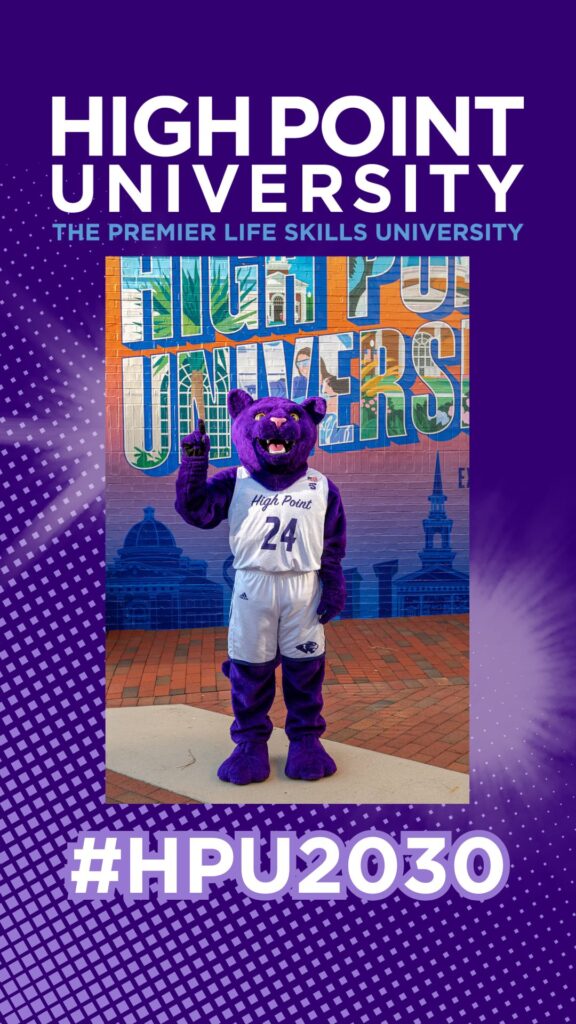
- Click on the “Create Your Own” button to be redirected to a Canva template.
- If you don’t already have a Canva account, you can sign up for FREE either on your desktop or through Canva’s mobile app!
- Upload your image to the Canva software. Drag your uploaded image into the template and adjust it in the center of the blue rectangle.
- To download your finished product, find the “Share” button in the top right corner. Once your graphic is downloaded to your desktop or camera roll on your phone, you can then upload it to your own Instagram stories.
Printable Yard Sign - PDF
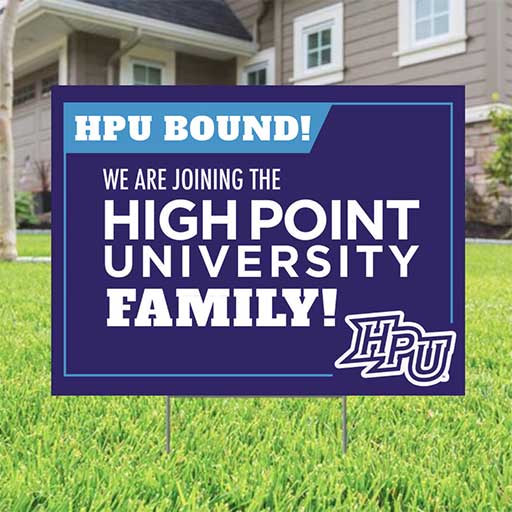
Instructions:
- Click on the “Download” button to download a digital version of the yard sign (PDF). You will be redirected to Canto. Hover over or click on the PDF file. Use the downward arrow icon to download the PDF.
- You can then use the PDF artwork to have a yard sign printed so that you can display your HPU pride!
Yard Sign - Social Media Graphic

Just want a graphic version of the yard sign to share on social media?
To download just the graphic, click on the “Download” button below. On your laptop, right-click on the image and select “Save Image As…” to save it. To save on your phone, hold down the wallpaper and select “Save to Photos.”